Free HTML to PDF for .NET.
The Community Edition that ships in production.
SelectPdf Community Edition is the free HTML to PDF converter for .NET — the same engine as our commercial library, with full HTML5/CSS3, a real JavaScript runtime and custom headers and footers — capped at five PDF pages per document. Free for any use, including production. It is a free product, not the commercial trial. On Linux, macOS and Docker, the free SelectPdf.HtmlToPdf.Universal package is the same Community Edition, with the same 5-page cap, rendered with Chromium.
Per generated PDF. A few advanced features need the commercial library.
The free HTML to PDF converter for .NET, in six bullets.
- Convert any URL or HTML file to PDF
- Convert raw HTML strings to PDF
- No external dependencies
- Powerful JavaScript engine
- HTML5 / CSS3 support
- Customizable headers and footers
Four lines of C#. One PDF.
Instantiate the converter, call ConvertUrl, save the result, close the document. The Community Edition exposes the same surface as the commercial library — porting later is a no-op. Install Select.HtmlToPdf on Windows, or SelectPdf.HtmlToPdf.Universal on Windows, Linux, macOS and Docker with using SelectPdf.Universal;.
// instantiate the html to pdf converter
HtmlToPdf converter = new HtmlToPdf();

// convert the url to pdf
PdfDocument doc = converter.ConvertUrl(url);

// save pdf document
doc.Save(file);

// close pdf document
doc.Close();
' instantiate the html to pdf converter
Dim converter As New HtmlToPdf()

' convert the url to pdf
Dim doc As PdfDocument = converter.ConvertUrl(url)

' save pdf document
doc.Save(file)

' close pdf document
doc.Close()
The Community package contains ready-to-use samples, coded in C# and VB.NET, for Windows Forms and ASP.NET.
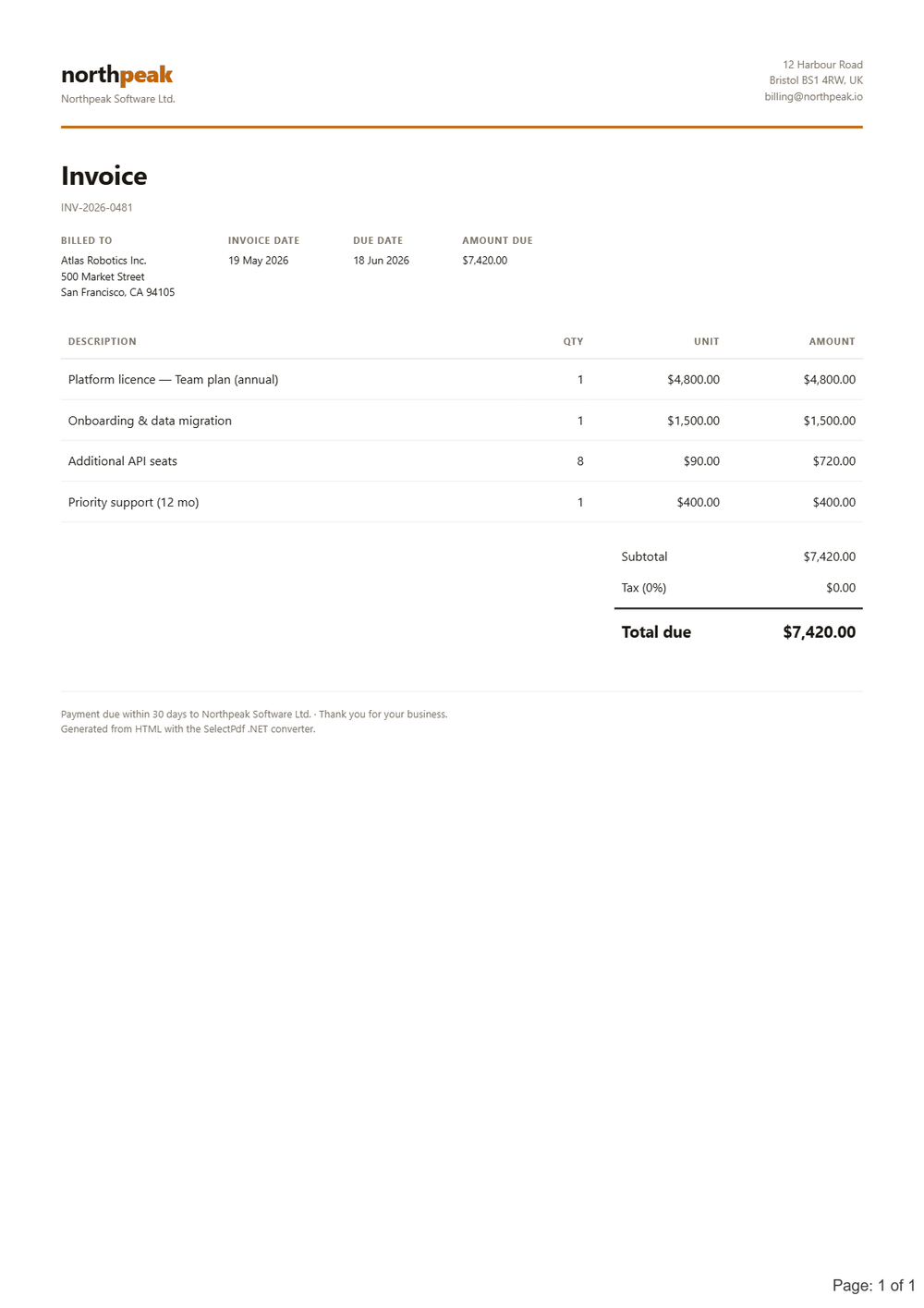
The Community Edition feature set.
The conversion options the free HTML to PDF converter for .NET exposes — within the five-page limit. What needs the commercial library is listed next.
- Generate PDF documents up to 5 pages
- Convert any web page to PDF
- Convert any raw HTML string to PDF
- Set PDF page settings (size, orientation, margins)
- Resize content during conversion to fit the PDF page
- Set PDF document properties
- Set PDF viewer preferences
- Set PDF security (passwords, permissions)
- PDF/A-1b, PDF/A-2b and PDF/X-1a; with SelectPdf.HtmlToPdf.Universal also PDF/A-2u, 3b, 3u and PDF/A-4
- Set conversion delay and web page navigation timeout
- Custom headers and footers
- Support for HTML in headers and footers
- Automatic and manual page breaks
- Repeat HTML table headers on each page
- Support for @media types screen and print
- Support for internal and external links
- Generate bookmarks automatically based on HTML elements
- Support for HTTP headers
- Support for HTTP cookies
- Support for web pages that require authentication
- Support for proxy servers
- Enable / disable JavaScript
- Modify color space
- Multithreading support
- HTML5 / CSS3 / web fonts support
What's not in the free edition.
The Community Edition is a free product with limited functionality — it is not the commercial trial. These features require the full SelectPdf Library for .NET (which has its own free, watermarked trial).
- Create PDF documents with more than 5 pages
- Convert only a section of the page by HTML element ID
- Manually start the conversion from JavaScript
- Run a JS startup script before conversion
- Hide parts of the web page during conversion
- Custom headers and footers on specific pages
- Load and modify existing PDF documents
- Add HTML, text, images to a PDF (PdfHtmlElement / PdfTextElement / PdfImageElement)
- Resize/scale content of existing PDFs
- PDF portfolios management
- Form-field filling
- Accessible / tagged PDF — PDF/UA-1 and PDF/UA-2
- PDF/A at the accessible A levels (1a, 2a, 3a), and PDF/A-3 in the classic Select.HtmlToPdf
- ZUGFeRD / Factur-X electronic invoices
- Word to PDF, tables of contents, fillable forms from HTML, redaction and signature validation — in the commercial SelectPdf.Universal package
- Specify the open action (jump to page, run script)
- Extract text from PDF (PDF to Text converter)
- Search for text in a PDF
- Convert PDF pages to images (PDF to Image converter)
- Get web-elements location in the PDF
Where it runs.
.NET Framework and .NET Core through to .NET 10, on Windows, including Azure Web Apps, and on Linux, macOS and Docker with SelectPdf.HtmlToPdf.Universal.
PdfPageCountBeforeLimit reports a cut (Universal)Hit the 5-page wall? Two ways forward.
Already on the Community Edition? Upgrading is just a license-key swap — same API, same code, the 5-page cap removed. The full library has its own free, watermarked trial.
Not on .NET at all? The Online API is the same conversion over HTTPS — any language, nothing to install. On Linux or a Mac with .NET? The free SelectPdf.HtmlToPdf.Universal package — the Community Edition of our new flagship library — runs there.
The free .NET edition, answered.
converter.ConversionResult.PdfPageCountBeforeLimit is then larger than PdfPageCount.