Free HTML to PDF for .NET.
The Community Edition that ships in production.
SelectPdf Community Edition is the free HTML to PDF converter for .NET — the same engine as our commercial library, with full HTML5/CSS3, a real JavaScript runtime and custom headers and footers — capped at five PDF pages per document. Free for any use, including production. It is a free product, not the commercial trial.
Per generated PDF. A few advanced features need the commercial library.
The free HTML to PDF converter for .NET, in six bullets.
- Convert any URL or HTML file to PDF
- Convert raw HTML strings to PDF
- No external dependencies
- Powerful JavaScript engine
- HTML5 / CSS3 support
- Customizable headers and footers
Four lines of C#. One PDF.
Instantiate the converter, call ConvertUrl, save the result, close the document. The Community Edition exposes the same surface as the commercial library — porting later is a no-op.
// instantiate the html to pdf converter
HtmlToPdf converter = new HtmlToPdf();

// convert the url to pdf
PdfDocument doc = converter.ConvertUrl(url);

// save pdf document
doc.Save(file);

// close pdf document
doc.Close();
' instantiate the html to pdf converter
Dim converter As New HtmlToPdf()

' convert the url to pdf
Dim doc As PdfDocument = converter.ConvertUrl(url)

' save pdf document
doc.Save(file)

' close pdf document
doc.Close()
The Community package contains ready-to-use samples, coded in C# and VB.NET, for Windows Forms and ASP.NET.
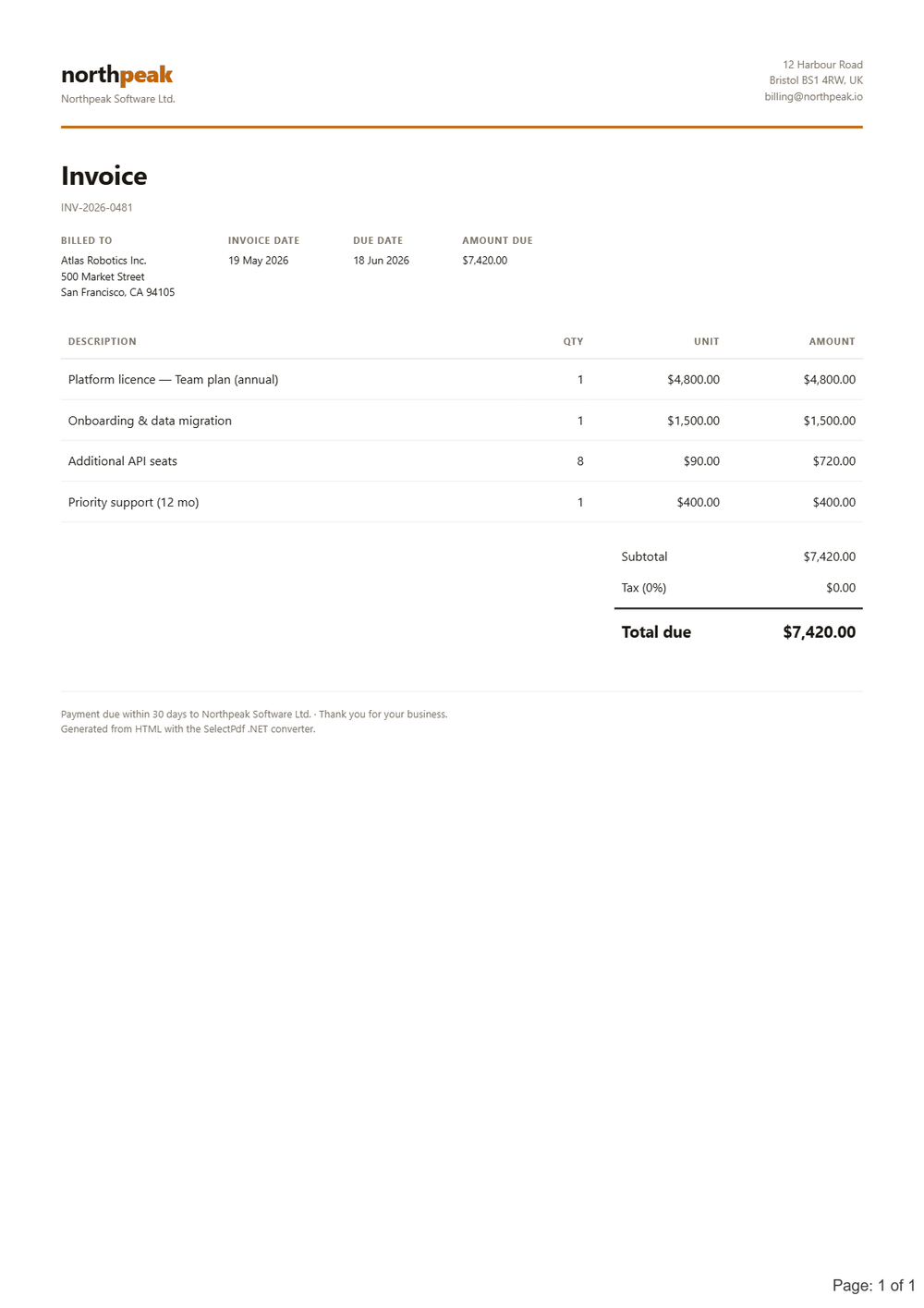
The Community Edition feature set.
The conversion options the free HTML to PDF converter for .NET exposes — within the five-page limit. What needs the commercial library is listed next.
- Generate PDF documents up to 5 pages
- Convert any web page to PDF
- Convert any raw HTML string to PDF
- Set PDF page settings (size, orientation, margins)
- Resize content during conversion to fit the PDF page
- Set PDF document properties
- Set PDF viewer preferences
- Set PDF security (passwords, permissions)
- Set conversion delay and web page navigation timeout
- Custom headers and footers
- Support for HTML in headers and footers
- Automatic and manual page breaks
- Repeat HTML table headers on each page
- Support for @media types screen and print
- Support for internal and external links
- Generate bookmarks automatically based on HTML elements
- Support for HTTP headers
- Support for HTTP cookies
- Support for web pages that require authentication
- Support for proxy servers
- Enable / disable JavaScript
- Modify color space
- Multithreading support
- HTML5 / CSS3 / web fonts support
What's not in the free edition.
The Community Edition is a free product with limited functionality — it is not the commercial trial. These features require the full SelectPdf Library for .NET (which has its own free, watermarked trial).
- Create PDF documents with more than 5 pages
- Convert only a section of the page by HTML element ID
- Manually start the conversion from JavaScript
- Run a JS startup script before conversion
- Hide parts of the web page during conversion
- Custom headers and footers on specific pages
- Load and modify existing PDF documents
- Add HTML, text, images to a PDF (PdfHtmlElement / PdfTextElement / PdfImageElement)
- Resize/scale content of existing PDFs
- PDF portfolios management
- Form-field filling
- Accessible / tagged PDF (PDF/UA-1) and PDF/A-3
- Specify the open action (jump to page, run script)
- Extract text from PDF (PDF to Text converter)
- Search for text in a PDF
- Convert PDF pages to images (PDF to Image converter)
- Get web-elements location in the PDF
Where it runs.
.NET Framework and .NET Core through to .NET 10, on Windows — self-hosted, including Azure Web Apps.
Hit the 5-page wall? Two ways forward.
Already on the Community Edition? Upgrading is just a license-key swap — same API, same code, the 5-page cap removed. The full library has its own free, watermarked trial.
Outgrown .NET-only? The Online API is the same engine over HTTPS — call it from any language or OS, including Linux and macOS.