HTML to PDF in AWS Lambda with C# (x86_64 and arm64)
The function is packaged as a container image on the AWS Lambda .NET 10 base image: the Chromium engine and its libraries come with the NuGet packages, and the same code runs on x86_64 and arm64.
Compiled and run: AWS Lambda .NET 10 base image, x64 · AWS Lambda .NET 10 base image, ARM64
Build it step by step.
-
1Create the project
A class library with the Lambda packages and SelectPdf.
NativeRidpicks the engine for the function's architecture:linux-x64for x86_64,linux-arm64for Graviton. The Dockerfile publishes it onto the AWS Lambda .NET 10 base image; nothing else is installed.<Project Sdk="Microsoft.NET.Sdk"> <PropertyGroup> <TargetFramework>net10.0</TargetFramework> <OutputType>Library</OutputType> <Nullable>enable</Nullable> <ImplicitUsings>enable</ImplicitUsings> <GenerateRuntimeConfigurationFiles>true</GenerateRuntimeConfigurationFiles> <!-- linux-x64 for an x86_64 function, linux-arm64 for an arm64 (Graviton) function --> <NativeRid Condition="'$(NativeRid)' == ''">linux-x64</NativeRid> </PropertyGroup> <ItemGroup> <PackageReference Include="Amazon.Lambda.Core" Version="3.4.0" /> <PackageReference Include="Amazon.Lambda.APIGatewayEvents" Version="3.0.1" /> <PackageReference Include="Amazon.Lambda.Serialization.SystemTextJson" Version="3.0.1" /> </ItemGroup> <!-- the engine for the function's architecture, and fonts (the Lambda image has none) --> <ItemGroup> <PackageReference Include="SelectPdf.Universal" Version="26.5.0" /> <PackageReference Include="SelectPdf.Universal.Native.$(NativeRid)" Version="26.5.0" /> <PackageReference Include="SelectPdf.Universal.Fonts" Version="26.5.0" /> </ItemGroup> </Project>FROM mcr.microsoft.com/dotnet/sdk:10.0 AS build ARG NATIVE_RID=linux-x64 WORKDIR /src COPY . . RUN dotnet publish PdfLambda.csproj -c Release -r $NATIVE_RID --self-contained false \ -p:NativeRid=$NATIVE_RID -o /app # the AWS Lambda base image for .NET 10: nothing else to install FROM public.ecr.aws/lambda/dotnet:10 COPY --from=build /app ${LAMBDA_TASK_ROOT} CMD ["PdfLambda::PdfLambda.Function::Handler"] -
2Name the serializer
using Amazon.Lambda.APIGatewayEvents;
using Amazon.Lambda.Core;
using SelectPdf.Universal;

[assembly: LambdaSerializer(typeof(Amazon.Lambda.Serialization.SystemTextJson.DefaultLambdaJsonSerializer))]

namespace PdfLambda;

public class Function
Lambda passes the request as JSON;
DefaultLambdaJsonSerializerreads it. The handler isPdfLambda::PdfLambda.Function::Handler: assembly, type, method, as the Dockerfile'sCMDnames it. -
3Read the HTML from the request
    // a function URL or HTTP API request: the HTML in the body comes back as a PDF
    public async Task<APIGatewayHttpApiV2ProxyResponse> Handler(
        APIGatewayHttpApiV2ProxyRequest request, ILambdaContext context)
    {
        string html = request.IsBase64Encoded
            ? System.Text.Encoding.UTF8.GetString(Convert.FromBase64String(request.Body))
            : request.Body ?? "<h1>Hello from AWS Lambda</h1>";
A function URL or an HTTP API passes an
APIGatewayHttpApiV2ProxyRequest. The HTML is the request body, base64-encoded when the request says so. -
4Convert
HtmlToPdf converter = new HtmlToPdf(); converter.Options.DenyLocalFileAccess = true; // the HTML comes from the caller PdfDocument doc = await converter.ConvertHtmlStringAsync(html); byte[] pdf = doc.Save(); doc.Close();DenyLocalFileAccesskeeps caller-supplied HTML away from the function's files.ConvertHtmlStringAsyncrenders it andSave()returns the bytes. -
5Return the PDF
        // Lambda responses are JSON: the PDF travels base64-encoded (about 4.4 MB of PDF fits in 6 MB)
        return new APIGatewayHttpApiV2ProxyResponse
        {
            StatusCode = 200,
            Headers = new Dictionary<string, string> { ["Content-Type"] = "application/pdf" },
            Body = Convert.ToBase64String(pdf),
            IsBase64Encoded = true,
        };
    }
}
Lambda responses are JSON, so the PDF goes base64-encoded with
IsBase64Encoded = true; the function URL decodes it and sends the PDF with its content type. -
6Run it
docker build --platform linux/amd64 --provenance=false --sbom=false -t pdf-lambda .
docker run -p 9000:8080 pdf-lambda

# in a second terminal: send an event to the emulator in the image, decode the PDF
curl -s http://localhost:9000/2015-03-31/functions/function/invocations \
     -d '{"body":"<h1>Account statement</h1>"}' | jq -r .body | base64 -d > statement.pdf
The request returns
statement.pdf. Without a license key, every page carries a trial watermark; setGlobalProperties.LicenseKeybefore the first conversion to remove it.
The complete Program.cs.
This is the exact file our samples pipeline compiled and ran on AWS Lambda .NET 10 base image, x64 and AWS Lambda .NET 10 base image, ARM64 to produce the output on this page.
using Amazon.Lambda.APIGatewayEvents;
using Amazon.Lambda.Core;
using SelectPdf.Universal;

[assembly: LambdaSerializer(typeof(Amazon.Lambda.Serialization.SystemTextJson.DefaultLambdaJsonSerializer))]

namespace PdfLambda;

public class Function
{
    // a function URL or HTTP API request: the HTML in the body comes back as a PDF
    public async Task<APIGatewayHttpApiV2ProxyResponse> Handler(
        APIGatewayHttpApiV2ProxyRequest request, ILambdaContext context)
    {
        string html = request.IsBase64Encoded
            ? System.Text.Encoding.UTF8.GetString(Convert.FromBase64String(request.Body))
            : request.Body ?? "<h1>Hello from AWS Lambda</h1>";

        HtmlToPdf converter = new HtmlToPdf();
        converter.Options.DenyLocalFileAccess = true;   // the HTML comes from the caller
        PdfDocument doc = await converter.ConvertHtmlStringAsync(html);
        byte[] pdf = doc.Save();
        doc.Close();

        // Lambda responses are JSON: the PDF travels base64-encoded (about 4.4 MB of PDF fits in 6 MB)
        return new APIGatewayHttpApiV2ProxyResponse
        {
            StatusCode = 200,
            Headers = new Dictionary<string, string> { ["Content-Type"] = "application/pdf" },
            Body = Convert.ToBase64String(pdf),
            IsBase64Encoded = true,
        };
    }
}
Open the project on GitHub → this program and the variations below, ready to dotnet run
Deploy it.
Push the image to Amazon ECR and create the function from it, with 2048 MB of memory and a 120 second timeout. Replace the account id, region and role with your own. For arm64 (Graviton), build with --platform linux/arm64 --build-arg NATIVE_RID=linux-arm64 and create the function with --architectures arm64.
docker build --platform linux/amd64 --provenance=false --sbom=false -t pdf-lambda .

aws ecr create-repository --repository-name pdf-lambda
aws ecr get-login-password | docker login --username AWS \
    --password-stdin 123456789012.dkr.ecr.eu-north-1.amazonaws.com
docker tag pdf-lambda 123456789012.dkr.ecr.eu-north-1.amazonaws.com/pdf-lambda:1
docker push 123456789012.dkr.ecr.eu-north-1.amazonaws.com/pdf-lambda:1

aws lambda create-function --function-name pdf-lambda --package-type Image \
    --memory-size 2048 --timeout 120 \
    --code ImageUri=123456789012.dkr.ecr.eu-north-1.amazonaws.com/pdf-lambda:1 \
    --role arn:aws:iam::123456789012:role/pdf-lambda-role
aws lambda create-function-url-config --function-name pdf-lambda --auth-type AWS_IAM
These steps, with the Windows variants, are in the documentation: selectpdf.com/pdf-library/html/AWS-Lambda.htm.
The PDF it produces.
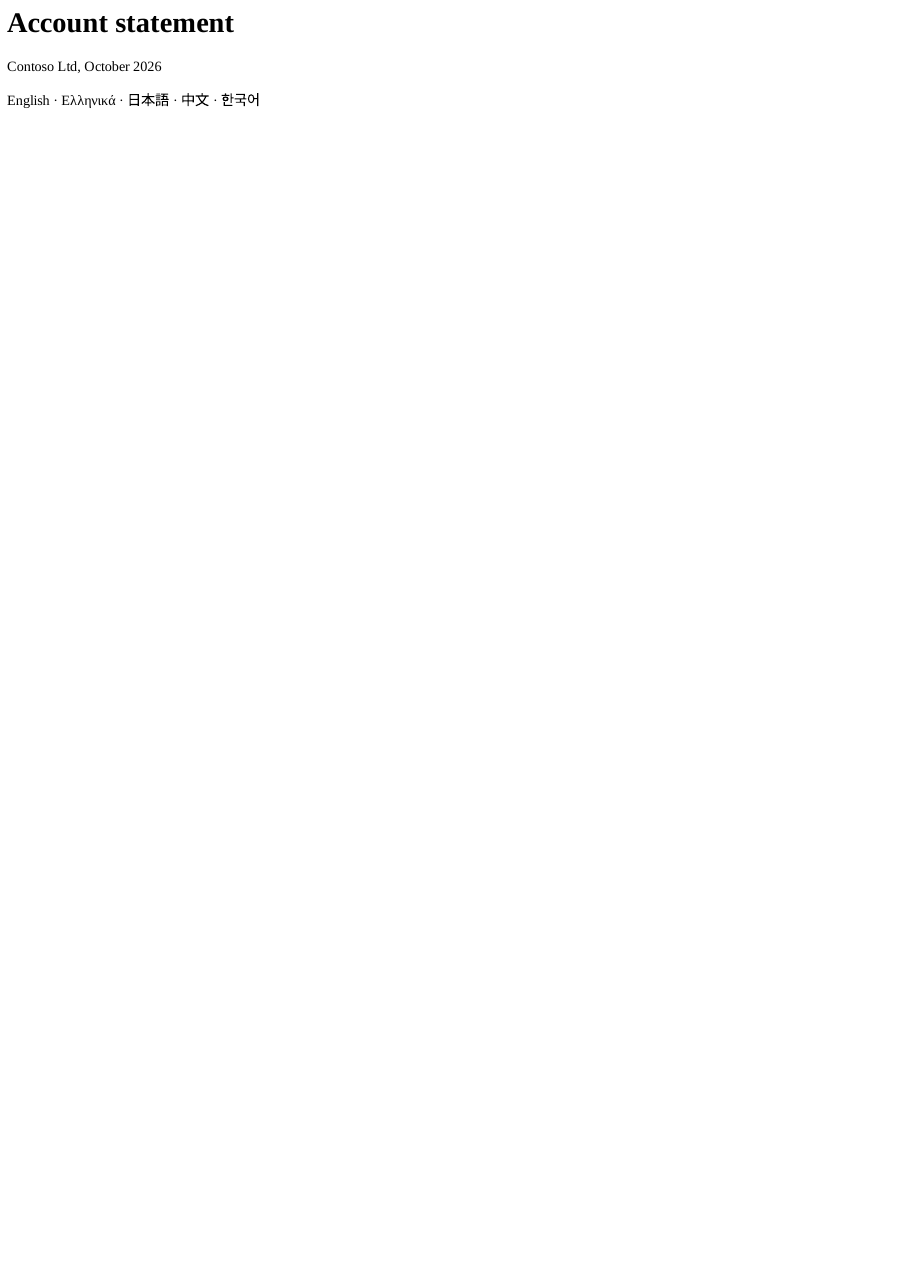
Download statement.pdf ↓ the file this sample produced, unedited
Common problems and fixes.
Lambda rejects the image
Build with --provenance=false --sbom=false: Lambda accepts only a plain image manifest, not the multi-manifest image Docker builds by default.
The PDF is too large for the response
About 4.4 MB of PDF fits in a 6 MB response. Put larger documents in an S3 bucket and return a presigned link.
Text in other scripts shows as boxes
Lambda images have no fonts: keep SelectPdf.Universal.Fonts in the project.
The first request is slow
Lambda starts a new environment after a few idle minutes, and the first conversion there starts the engine. Give the function 2048 MB: Lambda gives processor time in proportion to memory.
Good to know.
- The function is a container image: the engine and its libraries are larger than the 250 MB a zip-based function can hold. Source
- It runs on x86_64 and arm64; arm64 is cheaper per second and converts at a similar speed. Source
- A warm function with 2048 MB converts selectpdf.com in about 1.5 seconds on x86_64 and 2.3 seconds on arm64. Source
- A Lambda response is limited to 6 MB and the PDF travels base64-encoded, so about 4.4 MB of PDF fits; store larger ones in Amazon S3. Source
Questions, answered.
Short answers about this guide. The SelectPdf.Universal documentation covers every class and option.