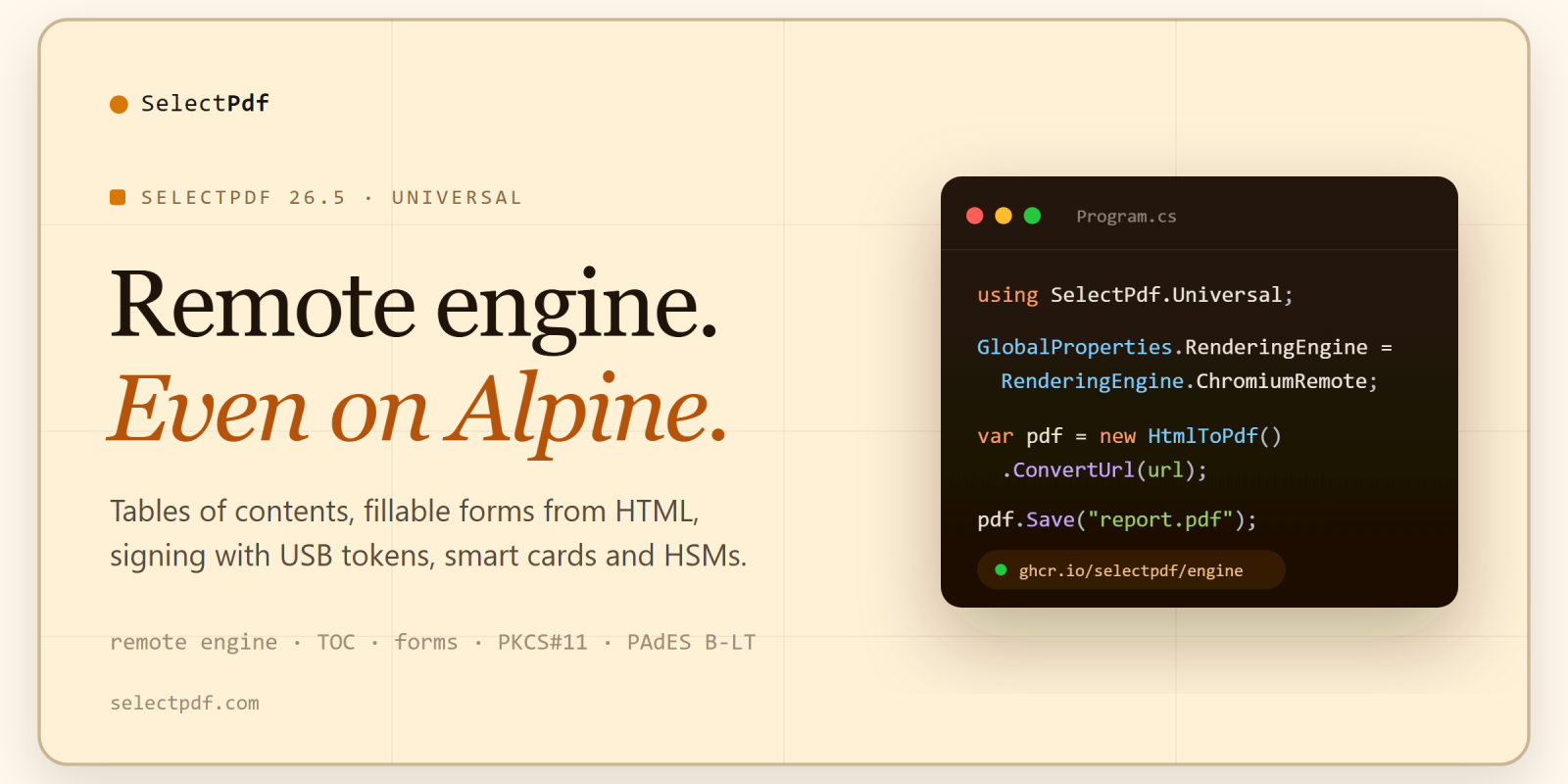
SelectPdf 26.5 is out. The cross-platform SelectPdf.Universal library can now hand its conversions to an engine running in a container on another machine, which brings it to Alpine Linux and to clusters. It builds tables of contents with page numbers, turns HTML forms into fillable PDF forms, and signs with keys held on USB tokens, smart cards and HSMs. And for the many .NET applications still built on wkhtmltopdf, there are new compatibility packages that keep your existing code and render with Chromium.
The short version
- One package per platform.
SelectPdf.Universal.Windows,.Linux,.Linux.Arm64and.MacOSinstall the library together with the engine for that platform. - A remote engine. Conversions can run in the
ghcr.io/selectpdf/enginecontainer instead of on the application’s machine — which makes Alpine Linux and other musl-based images work. - Tables of contents with leaders and page numbers, built during HTML to PDF conversion.
- Fillable PDF forms from the text inputs, check boxes, radio buttons, drop-down lists and text areas of an HTML form.
- Signing with keys the library never sees — PKCS#11 tokens, smart cards and HSMs, the certificate store, or a remote signing service — with long-term validation (PAdES B-LT) and SHA-384 or SHA-512.
- PDF/A-1a, PDF/A-2a and PDF/A-2u join the archiving levels.
- Faster parallel conversions, smaller files from photo-heavy pages, and text search in Chinese, Japanese, Korean, Hindi, Thai and Arabic.
- wkhtmltopdf compatibility packages for DinkToPdf and Haukcode.WkHtmlToPdfDotNet, open source under the MIT license.
One package per platform
Until now, SelectPdf.Universal took two packages: the library and the native engine for each platform. If you deploy to one platform, one package is enough now:
dotnet add package SelectPdf.Universal.Linux
The others are SelectPdf.Universal.Windows, SelectPdf.Universal.Linux.Arm64 and SelectPdf.Universal.MacOS (Apple Silicon). Each one contains no code of its own: it installs SelectPdf.Universal together with the engine package for its platform. A build that targets several platforms keeps the two-package route — the library plus one SelectPdf.Universal.Native.<rid> per runtime. Reference one route or the other, not both. The free Community Edition has the same four, as SelectPdf.HtmlToPdf.Windows, .Linux, .Linux.Arm64 and .MacOS.
A remote engine for containers, clusters and Alpine
Set the rendering engine to ChromiumRemote, point the library at the engine’s address, and HTML to PDF, HTML to image, PDF to text and PDF to image run in the SelectPdf engine container instead of on the application’s machine:
using SelectPdf.Universal;

// convert in the SelectPdf engine container instead of on this machine
GlobalProperties.RenderingEngine = RenderingEngine.ChromiumRemote;
GlobalProperties.EngineEndpoint = "http://selectpdf-engine:8080";

HtmlToPdf converter = new HtmlToPdf();
PdfDocument doc = converter.ConvertUrl("https://selectpdf.com");
doc.Save("output.pdf");
doc.Close();
The application then needs no native engine package at all, which is what brings SelectPdf to Alpine Linux and other musl-based systems, where the native engines do not run. We verified it with an application on the official .NET 10 Alpine image. The engine image is published for linux/amd64 and linux/arm64 as ghcr.io/selectpdf/engine, with a Helm chart, and the documentation has tested setups for Docker Compose, Kubernetes, Azure Container Apps, Amazon ECS and Google Cloud Run. The free Community Edition supports it too.
Step by step: HTML to PDF on Alpine Linux with the remote engine, and the remote engine topic in the documentation.
Tables of contents with page numbers
The new TableOfContents option builds a table of contents while the HTML converts, in three ways: it can add leaders and page numbers to a table of contents the page already has, write one into the page from its headings, or insert separate table of contents pages — at the start, after the first page or at the end:
HtmlToPdf converter = new HtmlToPdf();
converter.Options.TableOfContents.Mode = PdfTableOfContentsMode.GeneratePages;
converter.Options.TableOfContents.HeadingSelectors = new[] { "h1", "h2" };
PdfDocument doc = converter.ConvertHtmlString(html);
It works with right-to-left and non-Latin pages, and with headers and footers.
HTML forms become fillable PDF forms
With CreateFormFields on, the text inputs, check boxes, radio buttons, drop-down lists and text areas of the page become PDF form fields, at the place of each control, with their values, labels and options. It works with PDF/A and PDF/UA output too.
converter.Options.CreateFormFields = true;
Signing with keys the library never sees
Qualified certificates usually live on hardware, where the private key cannot be copied out. SelectPdf.Universal 26.5 signs with them: through a PKCS#11 library for a USB token, smart card or HSM, with a certificate from the Windows, macOS or Linux certificate store, or through a remote signing service in two steps (prepare the digest, sign it elsewhere, complete the document).
// the key stays on the token; the library sends it the digest to sign
var signer = new PdfPkcs11Signer("path/to/pkcs11-library", pin, "token label", "key label");
var signature = new PdfDigitalSignatureElement(50, 50, 240, 80, signer);
signature.DigestAlgorithm = PdfSignatureDigest.SHA384;
signature.EnableLtv = true;   // embed the revocation data (PAdES B-LT)
doc.Pages[0].Add(signature);
doc.Save("signed.pdf");
Signing was verified with a qualified certificate on a USB token, and Adobe Acrobat reports the result as a qualified electronic signature. Long-term validation embeds the revocation data of the certificate chain, so the signature can still be validated after the certificates expire. Signatures can use SHA-256, SHA-384 or SHA-512, and the visible signature can carry your company’s logo.
More archiving levels
PDF/A-1a, PDF/A-2a and PDF/A-2u join the PDF/A, PDF/X and accessible PDF/UA-1 and PDF/UA-2 output the library already produces. The A levels turn tagging on for HTML and Word conversions, and PDF/A-1a is the PDF/A-1 level that combines with PDF/UA-1. We validated every PDF/A level, from PDF/A-1a to PDF/A-4f, with veraPDF on both HTML to PDF and Word to PDF.
Faster where it counts
Conversions running in parallel are much faster in 26.5: in our tests, the number of conversions per minute more than doubled on Linux and rose by about half on Windows, with the exact gain depending on the machine. Long HTML documents convert faster, and saving a loaded document takes a fraction of the time it did.
Smaller files, wide pages and better text
ImagesMaxResolutionresamples images drawn at more than the resolution you set, which makes documents with large photos much smaller.FitWideContentscales content wider than the page down to fit, instead of cutting it at the right edge.- Text search now finds Chinese, Japanese, Korean, Hindi, Thai and Arabic terms, and text elements shape Indic, Thai and other complex scripts.
- Word to PDF draws text in scripts the document’s own font cannot draw, such as Chinese, Japanese, Korean and Devanagari.
PdfDocument, the managers and the PDF tools are nowIDisposable, so ausingstatement can stand in forClose().
Moving off wkhtmltopdf without rewriting code
wkhtmltopdf, the HTML to PDF engine behind many .NET applications, is no longer maintained: its GitHub repository is archived, and its last release dates from June 2020. Four new compatibility packages — SelectPdf.Compat.DinkToPdf and SelectPdf.Compat.WkHtmlToPdfDotNet, each with a .Licensed version — keep the API of the DinkToPdf and Haukcode.WkHtmlToPdfDotNet wrappers, so your existing converter code builds as it is, and render with Chromium instead of wkhtmltopdf’s Qt WebKit:
dotnet remove package DinkToPdf
dotnet add package SelectPdf.Compat.DinkToPdf
dotnet add package SelectPdf.Universal.Native.linux-x64
Layouts keep their size, headers and footers stay where they were, and your application no longer ships native wkhtmltopdf files. The free packages run on the Community Edition, up to 5 pages per document; the .Licensed ones run on SelectPdf.Universal with no limit. The packages are open source under the MIT license, on GitHub. The DinkToPdf alternative and wkhtmltopdf alternative pages walk through the move.
Comparing SelectPdf with IronPDF? See SelectPdf vs IronPDF, measured side by side on Windows and Linux.
The Community Edition
The free SelectPdf.HtmlToPdf.Universal gets the remote engine, the one-package installs, PDF/A-2u, FitWideContent, ImagesMaxResolution and the faster parallel conversions. It can also tell your code whether the 5-page limit cut a document, through PdfPageCountBeforeLimit:
PdfDocument doc = converter.ConvertHtmlString(html);
if (converter.ConversionResult.PdfPageCountBeforeLimit > converter.ConversionResult.PdfPageCount)
    Console.WriteLine("the 5-page limit cut this document");
Tables of contents, HTML forms to PDF fields, signatures and PDF/A-1a and 2a are in the full SelectPdf.Universal library.
The classic library
The classic Windows library is 26.5 too. Tagged (PDF/UA-1) and PDF/A-3a conversions of real-world web pages now pass validation — decorative paint is marked as an artifact, figures are described by their pictures — checked with veraPDF on pages such as GitHub, the W3C home page and Wikipedia in English, Chinese, Arabic, Hebrew and Japanese. Text search works in every script, and the Chromium engine now converts pages that navigate while they are printed.
Worth knowing before you upgrade
- An HTML string converted with an http(s) base URL now has that URL as its origin, so web fonts, fetch calls and cookies on that server work as they do when you convert the URL. An absolute
file://resource in such a string is refused, as on any web page; an empty orfile://base URL works as before. PdfSecurityManager.Signnow draws the signature’s appearance in the rectangle you give.new PdfDigitalSignatureElement(x, y, width, height, null)no longer compiles, because a second constructor takes an external signer; cast thenulltoPdfDigitalCertificate.
The full list is in the release notes: SelectPdf.Universal and the classic library.
.NET versions
SelectPdf.Universal targets .NET 8, .NET 10 and .NET Standard 2.0, so it runs on everything from .NET Framework 4.6.1 to the current .NET releases. Version 26.5 is also verified with .NET 11 RC 1 on Windows, Linux x64 and ARM64, and macOS on Apple Silicon.
Licensing and downloads
Nothing changes here: one perpetual per-developer license, from $499, covers both SelectPdf.Universal and the classic Windows library. Get 26.5 from NuGet, or as ZIP archives from Downloads; the free editions are on Free Downloads. New to the library? The how-to guides show complete C# programs for common PDF tasks, each compiled and run on Windows and Linux.
Questions about upgrading, or about a setup not covered here? Get in touch: support@selectpdf.com.