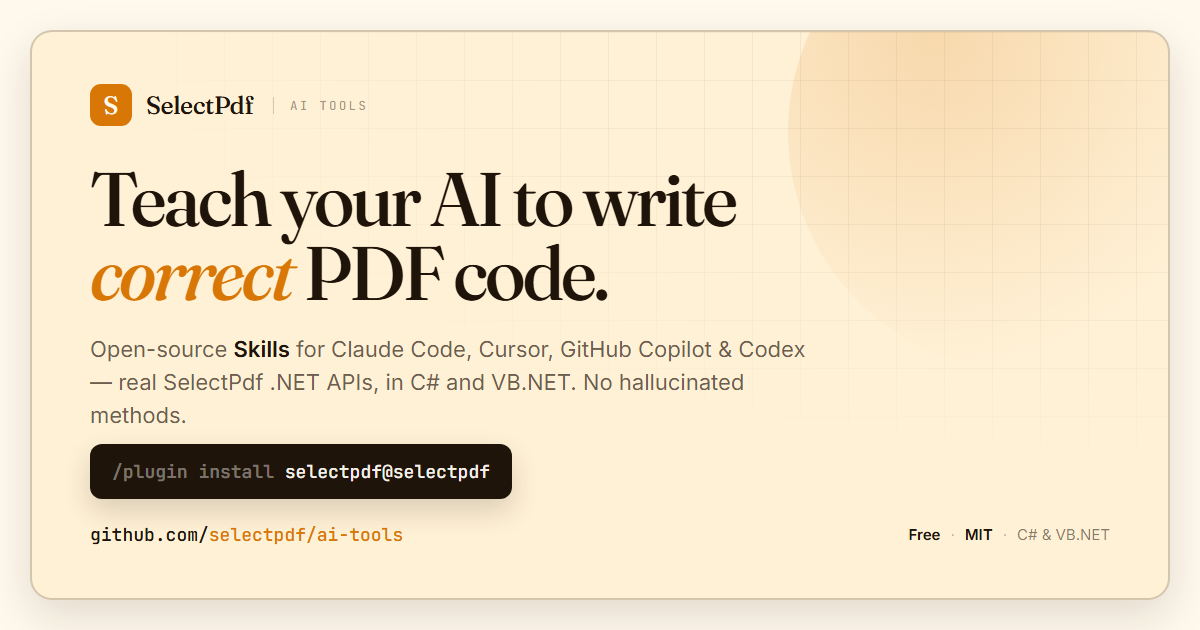
We are pleased to introduce SelectPdf AI Tools — a free, open-source collection of Agent Skills that teach AI coding assistants how to use SelectPdf correctly. It is available today on GitHub at github.com/selectpdf/ai-tools.
AI coding assistants are genuinely useful, right up until they invent a method that does not exist, pass an argument in the wrong order, or mix up the free and commercial editions of a library. The model is guessing from whatever it happened to see during training. SelectPdf AI Tools removes the guesswork: it feeds the assistant accurate, version-matched knowledge about the SelectPdf .NET library — real API signatures, working code, and the gotchas that actually matter — so the code it writes compiles and runs the first time.
What’s in it
The package is a single Claude Code plugin, selectpdf, containing two skills:
selectpdf-lib-net— the full commercial Select.Pdf library: HTML to PDF, building and editing PDFs, merge and split, AcroForms, digital signatures, encryption, PDF to text and image extraction, and accessible tagged PDF/UA-1 and PDF/A-3 output.selectpdf-lib-htmltopdf-net— the free Community Edition (Select.HtmlToPdf): HTML to PDF conversion, up to 5 pages per document, at no cost.
Each skill ships a lean quickstart plus topic-by-topic reference files that the assistant loads only when it needs them. Every code sample is provided in both C# and VB.NET. The assistant knows which package to install (Select.Pdf / Select.Pdf.NetCore or Select.HtmlToPdf / Select.HtmlToPdf.NetCore), which edition supports which feature, and how the rendering engines behave — so it stops mixing them up.
Install in Claude Code
Two commands:
/plugin marketplace add selectpdf/ai-tools
/plugin install selectpdf@selectpdf
The right skill then activates automatically the moment you ask Claude to generate or manipulate PDFs in a .NET project. You can also copy any single skill folder into your project’s .claude/skills/ directory to use it without the plugin.
Not just Claude — Cursor, GitHub Copilot and Codex too
The same knowledge is packaged for the other popular AI coding assistants, each in that tool’s native format:
- Cursor — project rules (
.mdc) for your.cursor/rules/folder - GitHub Copilot — custom instructions (
.instructions.md) for.github/instructions/ - Codex — an
AGENTS.md-style guide
Drop the relevant file into your project and your assistant gains the same SelectPdf expertise. See the integrations folder for where each one goes.
Accurate, versioned and open
Everything is sourced verbatim from the shipped SDK reference and the official samples — no invented APIs. The current content tracks SelectPdf v26.3, so signatures and feature availability match the library you actually install. The whole repository is open source under the MIT license, so you can read exactly what your assistant is being told, and contribute corrections.
What’s next
This first release covers the SelectPdf .NET library. Skills for the SelectPdf online HTML to PDF REST API — which has clients in several languages — are on the way and will live in the same plugin under a selectpdf-api-* family (for example selectpdf-api-net, selectpdf-api-php, selectpdf-api-python).
Get started at github.com/selectpdf/ai-tools. Learn more about the underlying library on the product pages for the PDF Library for .NET and the Community Edition, browse the online documentation, or try the C# and VB.NET live demos. As always, we welcome your feedback and contributions.