PDF editor for Windows, Mac and iPhone.
Free to start, Pro when you need it.
Edit the text in your PDFs, sign them with a digital ID, redact what must not be seen and convert to Word, Excel and PowerPoint. Everything runs on your own computer, iPhone or iPad, with no account and no uploads.
No watermarks, ever. Pro has a 14-day free trial; on Windows and Mac it needs no card and no account. System requirements
Free, and genuinely useful.
The free version is not a trial. It never expires and never watermarks what you save.
- Read, search and print PDFs, including password-protected ones
- Highlight, comment, draw, and add shapes, stamps and text boxes
- Fill in forms, and sign them with a signature you draw, type or import
- Merge, split, rotate, reorder, crop and extract pages
- Convert Word, Excel, PowerPoint and images to PDF
- Reduce the file size, and save pages as images or text
- Check digital signatures, and run the accessibility checker
- On Windows and Mac: check documents against 18 PDF standards, PDF/A, PDF/UA and PDF/X. On iPhone: scan paper with the camera
Pro: edit, sign, redact and convert.
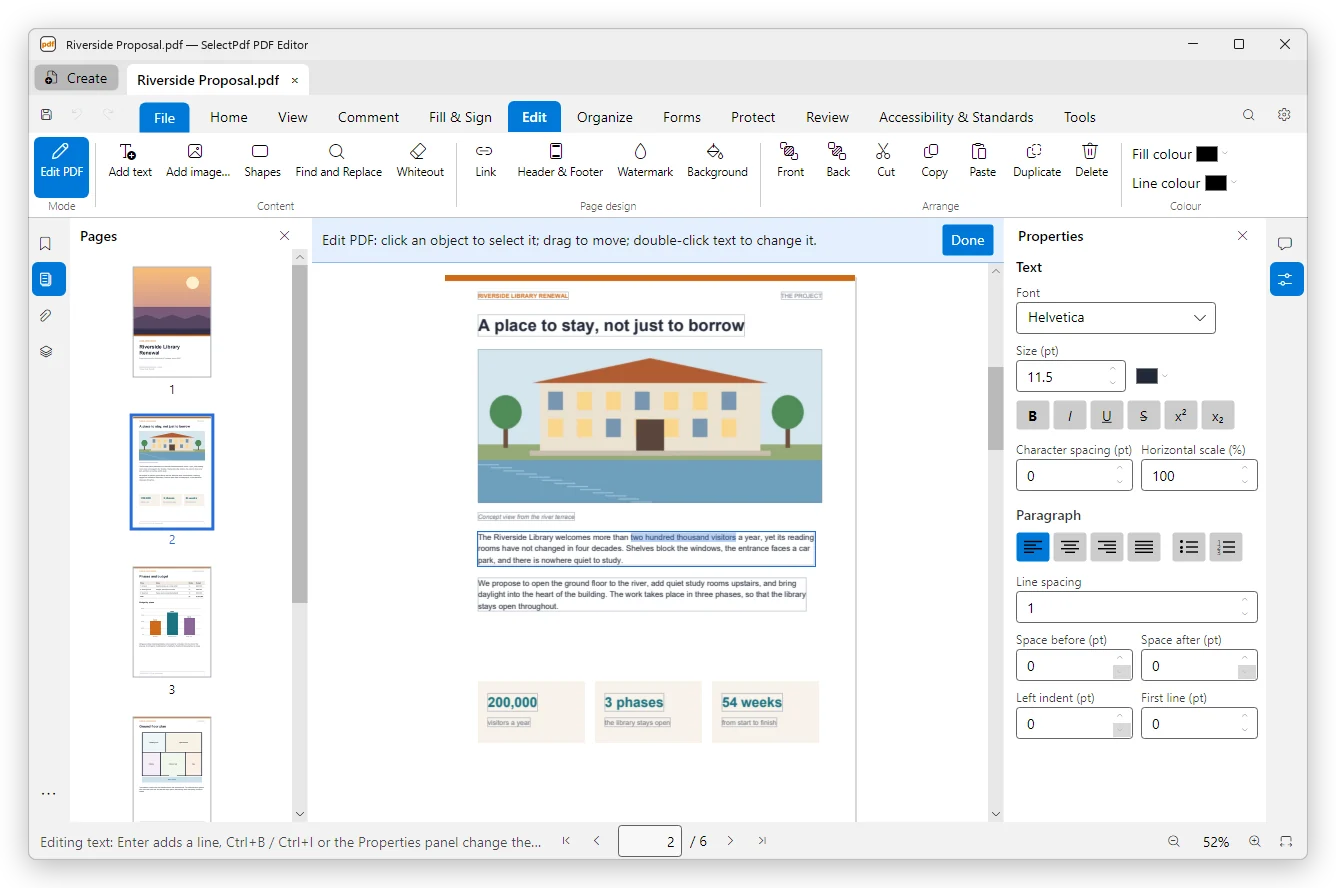
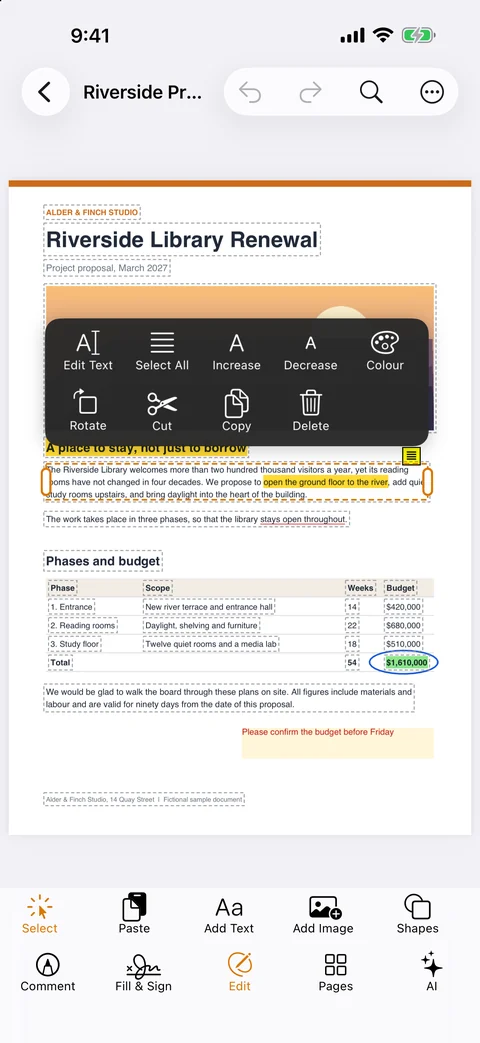
Edit text in place.
Click into a paragraph and type; it rewraps as you go. Replace and crop images, add text, images, shapes and links, and add headers, footers, page numbers and watermarks.
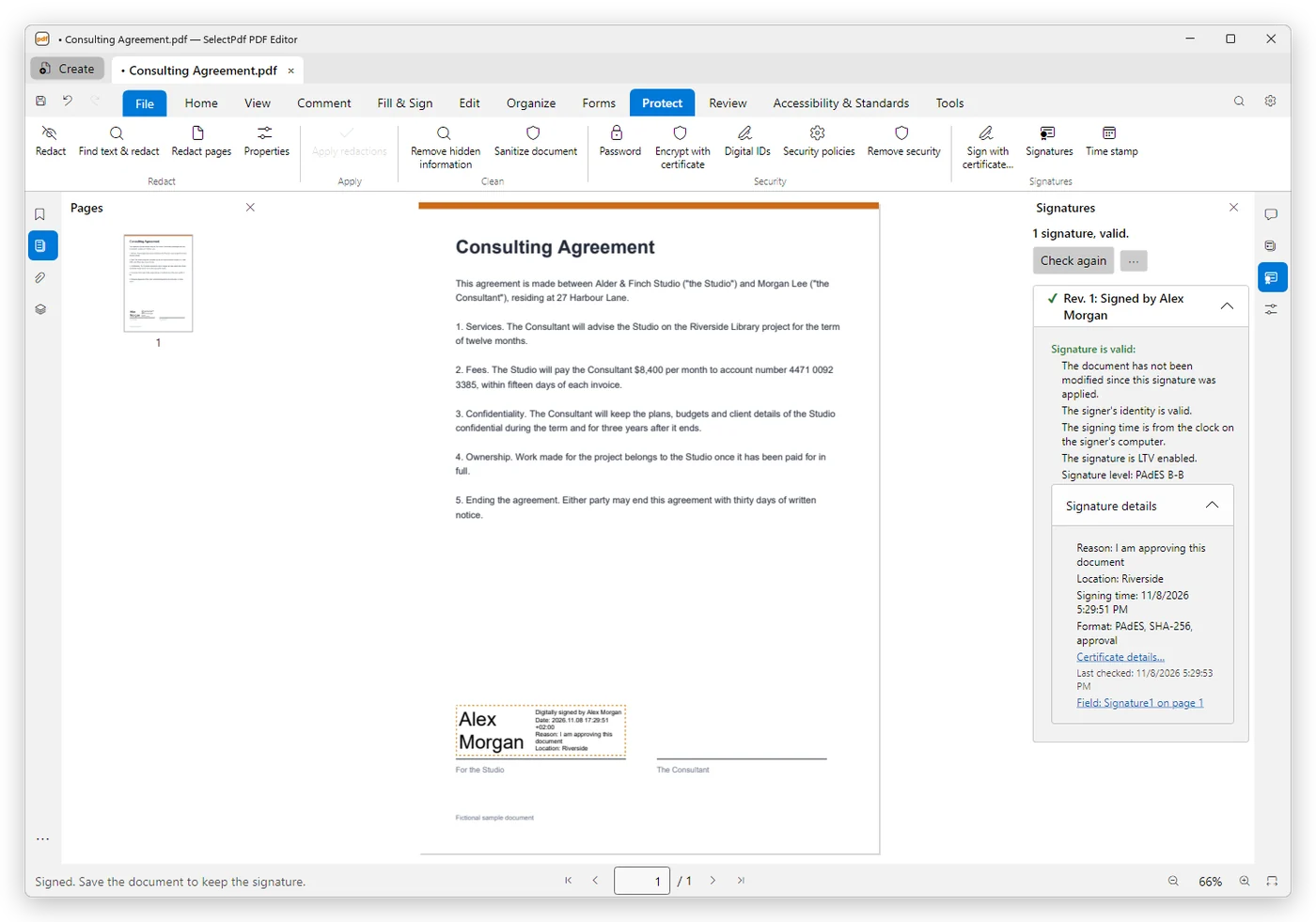
Sign with a digital ID.
PAdES signatures with time stamps. On Windows and Mac, also long-term validation, certifying signatures, and smart cards and USB tokens.
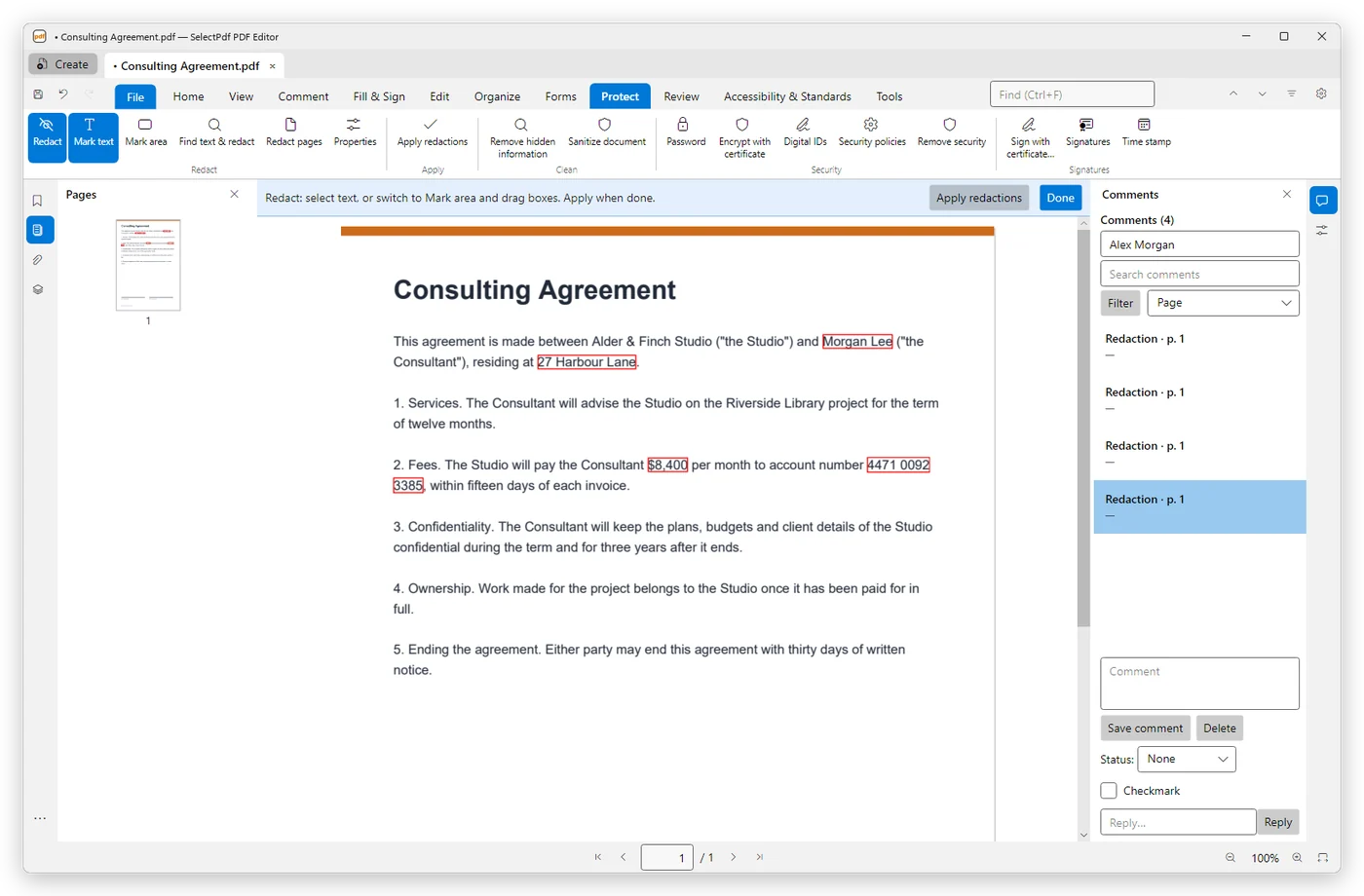
Redact for real.
The text is removed from the file, not covered. On Windows and Mac, find what to redact by pattern: phone numbers, email addresses, card and IBAN numbers, dates or your own expression. Remove hidden information too.
Convert PDF to Word, Excel and PowerPoint.
No Microsoft Office needed.
Make scans searchable.
Text recognition with the system's own engine, or Tesseract on Windows and Mac.
Forms, protection and archiving.
Create form fields, protect with passwords or certificates, convert to PDF/A, and compare two versions.
Windows and Mac: work in bulk and fix accessibility.
An action wizard for batch jobs, web pages to PDF, the PDF Optimizer, measuring, and accessibility fixes: autotag, reading order and alternate text.
Every feature, step by step and with pictures: the PDF Editor user guide →
Processed on your device.
Your documents are opened, edited and converted on your own computer, iPhone or iPad. There is no account to create and no cloud service in between. The editor goes online for its license and updates, for what you ask of it, such as a time stamp on a signature, and, if you agree, to send a crash report, which never contains your documents or file names.
Windows, Mac, iPhone and iPad.
Windows 10 and 11
Windows 10 (version 1809 or later) or Windows 11, 64-bit. Installs without administrator rights and updates itself, after asking.
iOS and iPadOS 17 or later
On the App Store. The AI assistant needs iOS 26 on a device with Apple Intelligence.
12 languages: English, German, French, Spanish, Italian, Portuguese, Dutch, Polish, Romanian, Japanese, Chinese and Korean.
Pricing that respects you.
Everything in the free version above, forever.
Every Pro feature and every update while subscribed. Also $9 a month.
Pro forever, with a year of updates. Afterwards keep the version you have, or renew updates for $39 a year.
A license bought on this website covers the Windows and Mac apps downloaded from it, one Windows PC and one Mac at the same time. On iPhone and iPad, Pro is an App Store subscription: $9.99 a month or $49.99 a year. Compare Free and Pro →
Questions, answered.
Something else? Contact us, or read the user guide.