Attachments
Open, share, add and delete the files attached to a PDF.
A PDF can carry other files: a spreadsheet, photos, the sources of a report. Some are attached to the document, others to a comment on a page.
See the attachments
Tap More, then Navigate, then Attachments.
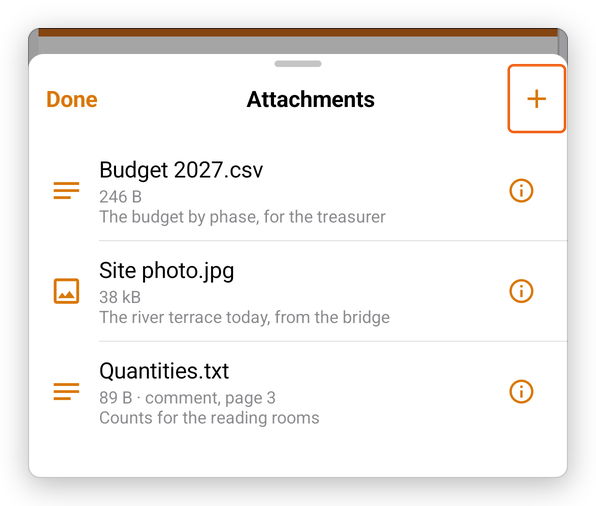
Each attachment shows its name, its size and its description. An attachment of a comment also says on which page it is.
- Tap an attachment to open it. A PDF or a picture opens in the app, with Share to send it on. Another file opens in the app that opens such files, if there is one.
- Tap the i next to an attachment for its menu: Open, Share (to save it elsewhere or send it), or Delete attachment.
Attach a file
- Open the attachments, and tap Attach a file (+).
- Choose the file in Android's file picker.
The file is added to the document. Adding and deleting an attachment can be undone with Undo.