SelectPdf PDF Editor for Android: user guide
How to use SelectPdf PDF Editor on an Android phone or tablet: read, comment, fill, sign, edit, organize, scan, convert and protect PDF files, step by step with pictures.
New to the editor? Start with the window tour, or see what the PDF Editor does.
Get started
- Introduction What SelectPdf PDF Editor does on an Android phone or tablet, what is free and what Pro adds, and how this guide is organized.
- Install and buy Pro What the Android app needs, installing it from Google Play, the 14-day Pro trial, buying Pro in Google Play, entering a license key, and updates.
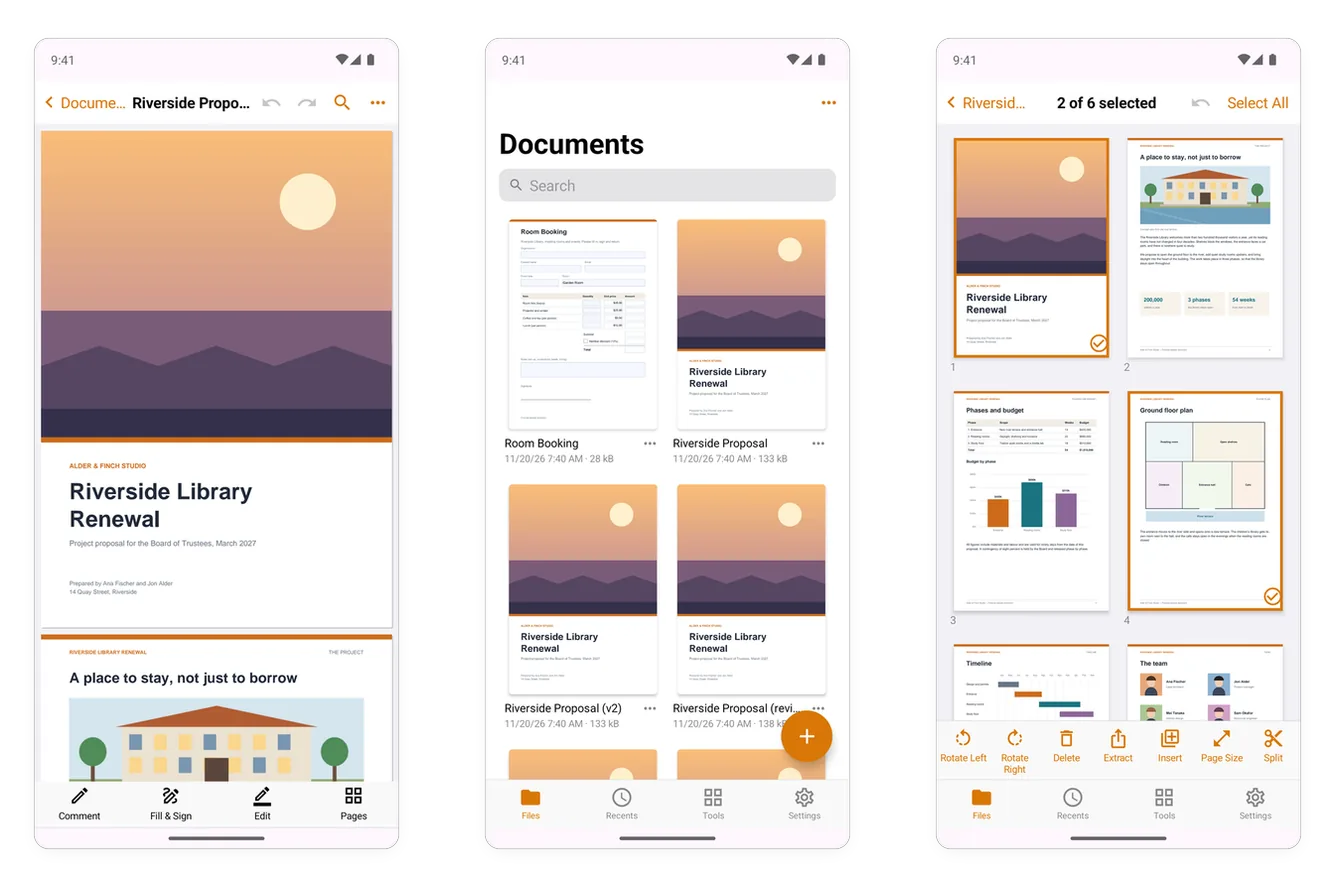
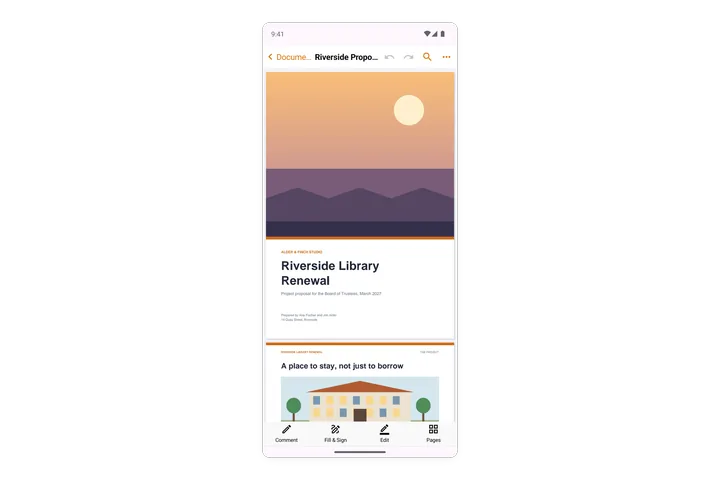
- The app at a glance The parts of SelectPdf PDF Editor on Android, from the four tabs at the bottom to a document's top bar, its modes and the More menu.
- Settings Every setting of the Android app, from your name on comments, the language and the theme to where your documents are kept, your digital IDs, your details for forms, the stylus, trusted certificates and Pro.
- Open from other apps and share Open PDFs in SelectPdf from the Files app, Google Drive, email and other apps, share documents, pictures and Office files to it, send your documents to other apps, and use the shortcuts on the app's icon.
Open, view and save
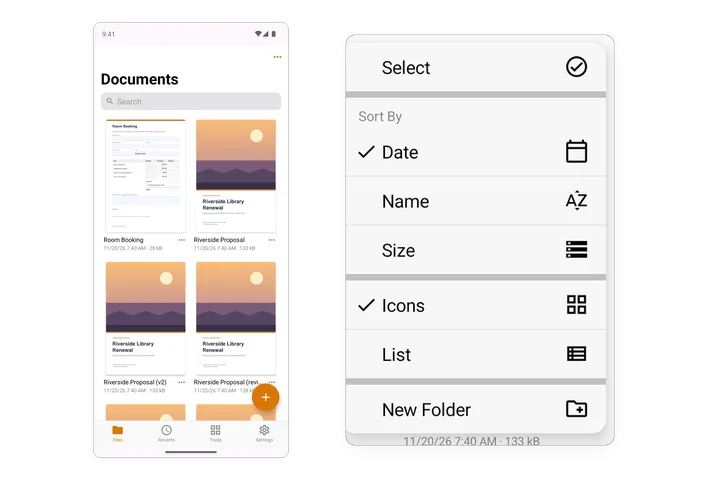
- Open a PDF Keep PDFs in the app's library, bring them in from your phone or a cloud service, find them, sort them into folders, open recent and favourite documents, and open password-protected files.
- View a PDF Zoom, scroll or turn one page at a time, go to a page, use page thumbnails, read in Reading Mode or Night Mode, and listen to a document.
- Find text Find a word or a phrase in a document, go from one place to the next, match case or whole words, and select and copy text.
- Save a PDF How the app saves your changes by itself, undo and redo, save a document under a new name, save a copy elsewhere, and share it.
- Document properties See and change a document's title, author, subject and keywords, its file details, and what its security allows.
Navigate a document
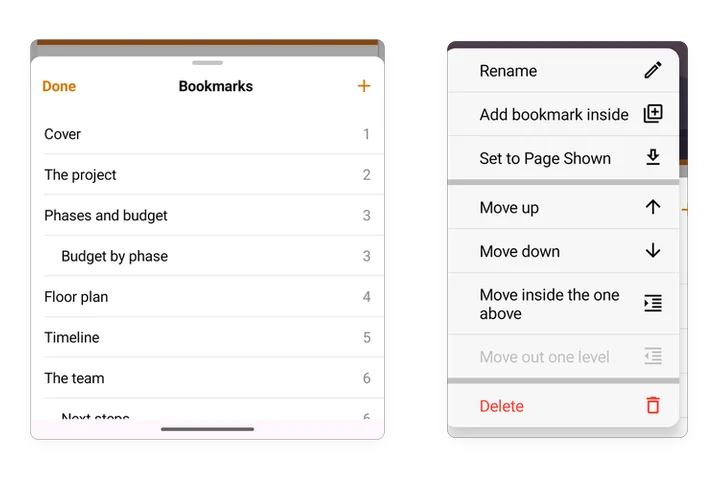
- Bookmarks Go to a part of a document with its bookmarks, and add, rename, move and delete bookmarks.
- Links Follow the links of a document, and add, change, move and remove links to pages and web addresses.
- Layers Show and hide the layers of a PDF, such as the furniture, dimensions and notes of a floor plan.
- Attachments Open, share, add and delete the files attached to a PDF.
Comment and review
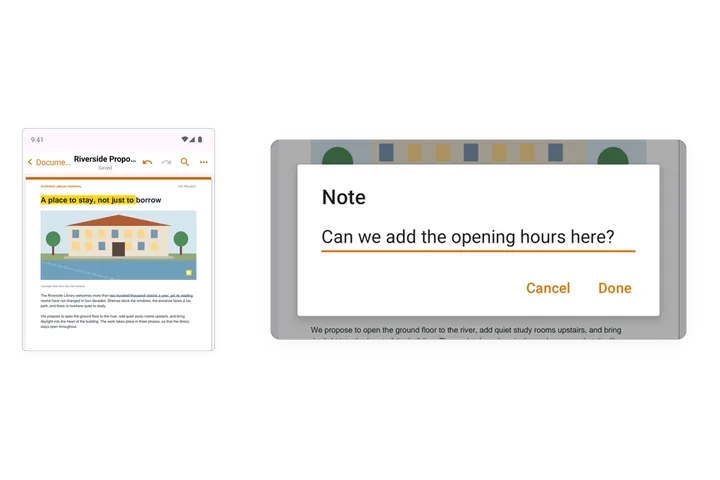
- Comment on a PDF Highlight, underline and strike out text, add notes and voice notes, and change, answer or delete a comment.
- Draw and add shapes Draw by hand, erase, add rectangles, ellipses, lines and arrows, add text boxes, and choose colours, thickness and fill.
- Stamps Put a stamp such as Approved, Draft or Confidential on a page, and move, resize or delete it.
- Manage comments List a document's comments page by page, go to one, read the replies, delete comments, summarize them in a new PDF, and flatten them into the pages.
- Compare two versions Compare a document with another version of it, list what changed page by page, and see each change on both versions.
Forms
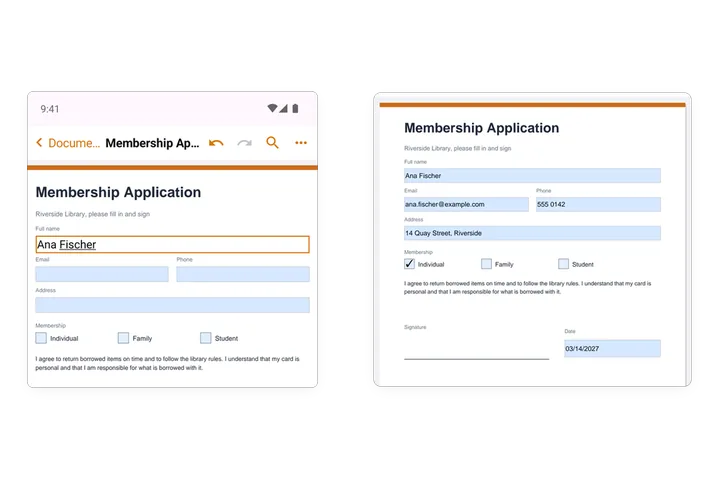
- Fill in a form Type in the fields of a PDF form, tick its boxes, choose from its lists, let the form work out its totals, fill forms that have no fields with Fill & Sign, and fill your details in one tap with Autofill.
- Create forms Turn a document into a form that others fill in: find its fields automatically, add text fields, check boxes, radio buttons, lists, dates, images, buttons and signature fields, and move, copy or delete them.
- Form field properties A field's name, tooltip, visibility and read-only or required setting, its look, its options, its format for numbers, dates and the like, and what values it accepts.
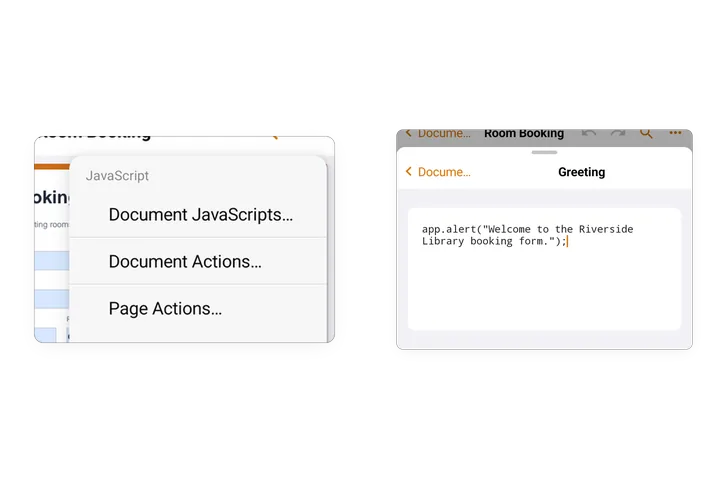
- Form calculations Make a form field work out its value from others: a sum, a product, an average, the smallest or the largest, a formula such as price times quantity, or a script.
Sign
Edit
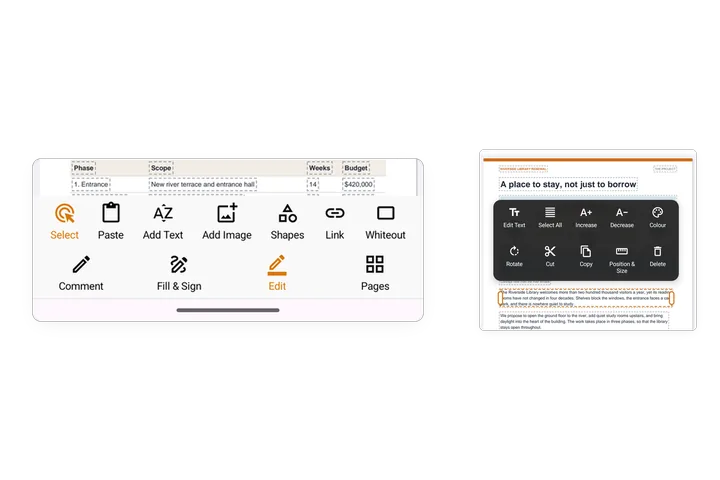
- Edit a PDF Change the text and pictures already on a page, add text, images, shapes and links, cover content with whiteout, and copy, move, turn or delete what is on a page.
- Headers, footers and watermarks Add a watermark, a header and footer, page numbers or a background to the pages of a document, and remove them again.
Pages
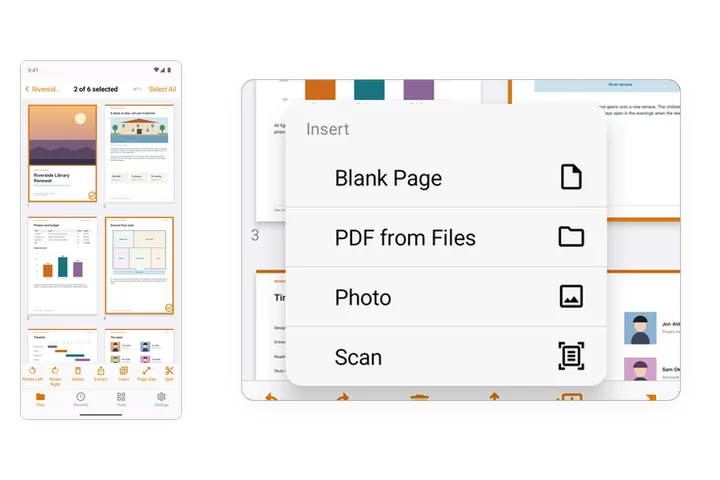
- Organize pages See all the pages of a document, select them, move, rotate, delete and extract them, insert blank pages, other PDFs, photos and scans, and split a document.
- Page size and cropping Crop the margins of pages to the part you want to keep, and change the size and orientation of pages.
- Combine files Combine several PDFs of your library into one document, in the order you choose.
Create and convert
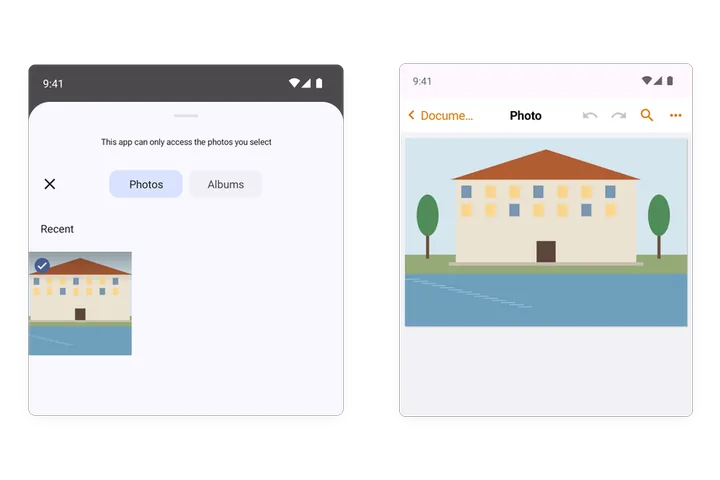
- Create a PDF Scan paper with the camera, make PDFs from photos, Word, Excel, PowerPoint, text, Markdown and XPS files, and start an empty PDF.
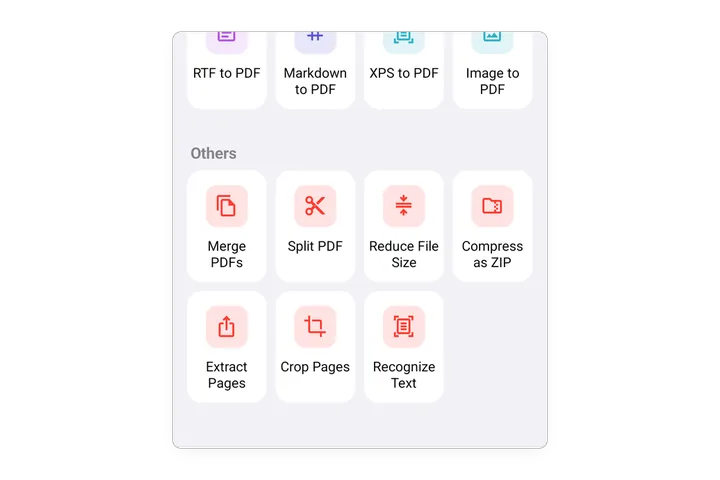
- Export a PDF Convert a PDF to Word, Excel, PowerPoint, RTF or text, save its pages as JPEG or PNG pictures, and compress documents as a ZIP.
- Recognize text (OCR) Make the text of scanned pages and photos searchable and selectable, in many languages, on your phone.
- Translate a document Make a translated copy of a document in another language, on your phone, with its layout kept.
Protect
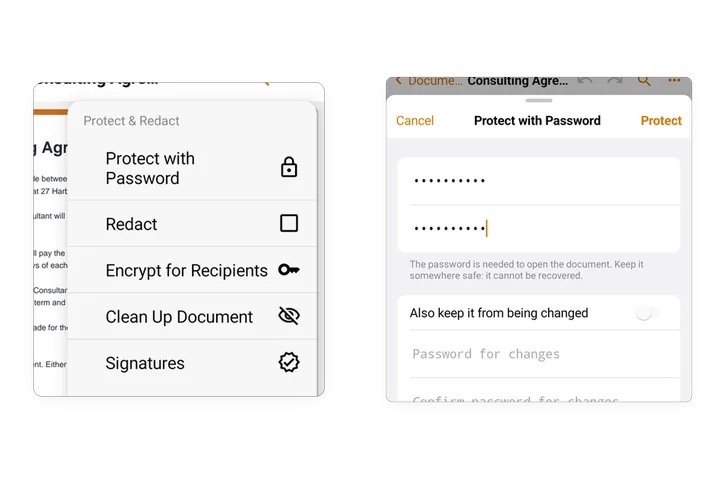
- Protect a PDF with a password Add a password that is needed to open a document, a second password that keeps it from being changed, and change or remove them.
- Certificate security Encrypt a document so that only certain people can open it, each with their own digital ID, and open documents encrypted for you.
- Redact Remove text, pictures and areas from a document for good: mark them by hand or find them, such as a name, email addresses, phone or card numbers, and apply the redactions.
- Clean up a document Find and remove the information a document carries that is not shown on its pages: its details, comments, bookmarks, attachments, scripts and more.