Translate a document
Make a translated copy of a document in another language, on your phone, with its layout kept.
Translating documents needs Pro.
The app makes a new PDF in the language you choose, with the same pages and layout, and the text in the other language. The document itself stays as it is. The translation is made on your phone: nothing is uploaded.
- Open the document.
- Tap More, then Tools, then Translate Document.
- Choose the language.
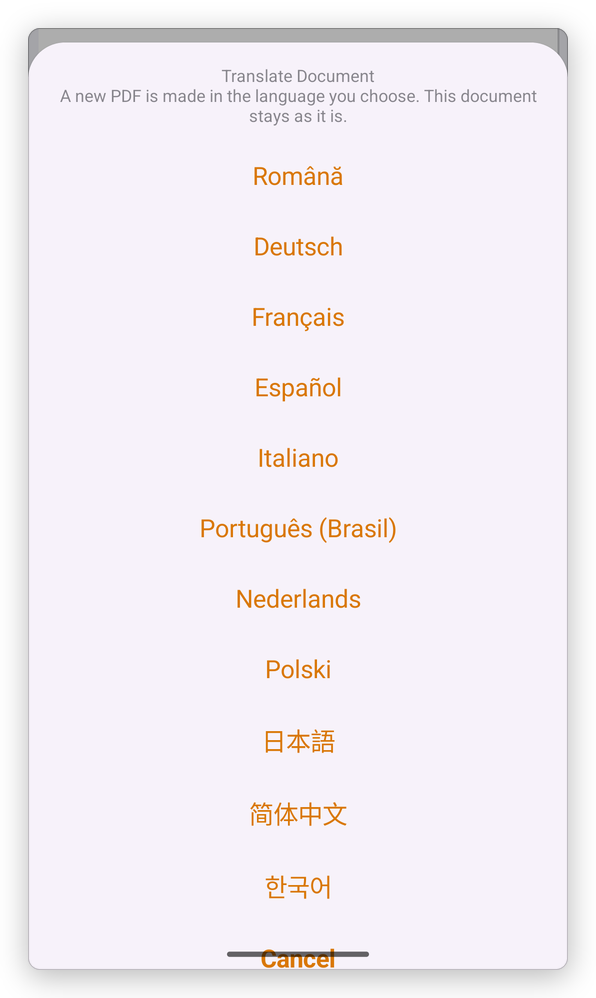
The first time you use a language, the app asks to download it (about 30 MB), once:
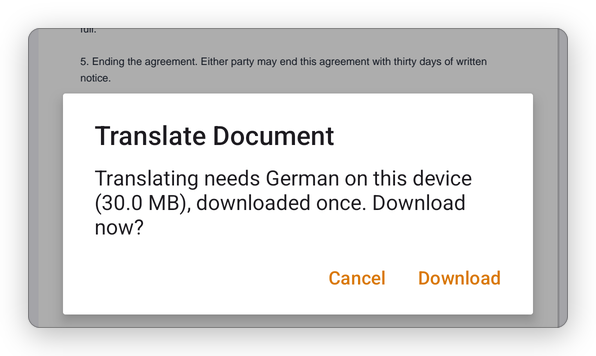
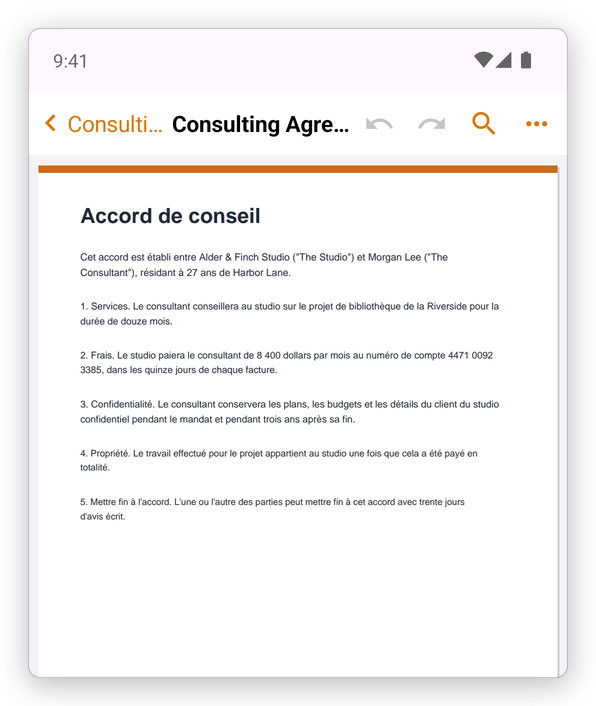
Tap Download. The translated document is added to your library next to the original, with the language in its name, for example Consulting Agreement (fr), and opens:
The languages are those of the app: English, Română, Deutsch, Français, Español, Italiano, Português (Brasil), Nederlands, Polski, 日本語, 简体中文 and 한국어. Translation needs Google Play services, which most Android phones have.
A machine translation is a help for reading, not a certified translation. For a scanned document, recognize its text first: see Recognize text. In the translated copy, the scanned letters give way to typed text in the new language; pictures, stamps and signatures stay as they were scanned.