Recognize text (OCR)
Make the text of scanned pages and photos searchable and selectable, in many languages, on your phone.
Recognizing text needs Pro.
A scanned page, or a photo of a page, is a picture: you cannot find, select or copy its words. Recognizing the text puts the words, invisible, over the picture: the page looks the same, and its text can be found, selected, copied, read aloud and exported.
- Open the document.
- Tap More, then Tools, then Recognize Text.
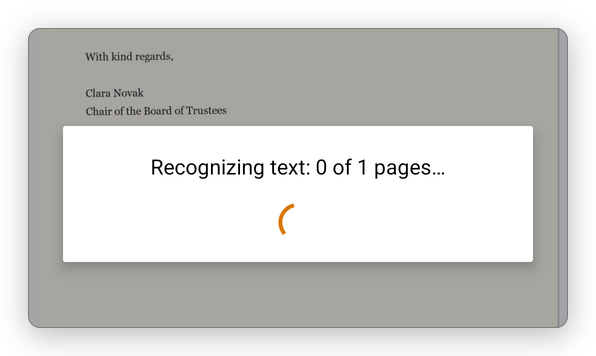
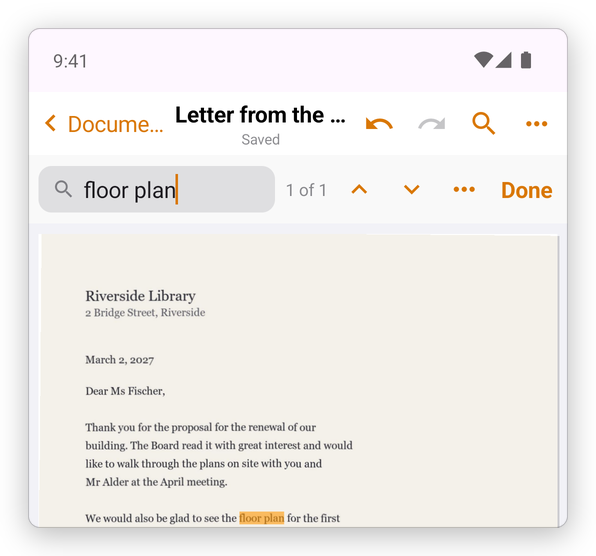
The app reads the pages, and the document is saved. Now its words can be found:
The Tools tab has Recognize Text too: choose the document there.
Languages
The app tells the language from the page. To choose it yourself, tap Settings, then Text Recognition Language.
The text is recognized on your phone: nothing is uploaded. Latin, Chinese, Devanagari, Japanese and Korean text is read by Google's text recognition, which is part of the app. Other languages, such as Greek, Russian, Arabic or Hebrew, are read by Tesseract, whose language is downloaded the first time you use it.