Digital signatures
Add or create a digital ID, sign a document with it and a time stamp, and check the digital signatures of a document.
A digital signature, made with a digital ID (a certificate), proves who signed and that the document has not changed since. Acrobat and other PDF apps check it.
Signing with a digital ID needs Pro. Checking signatures is free.
Your digital IDs
Tap Settings, then Digital IDs.
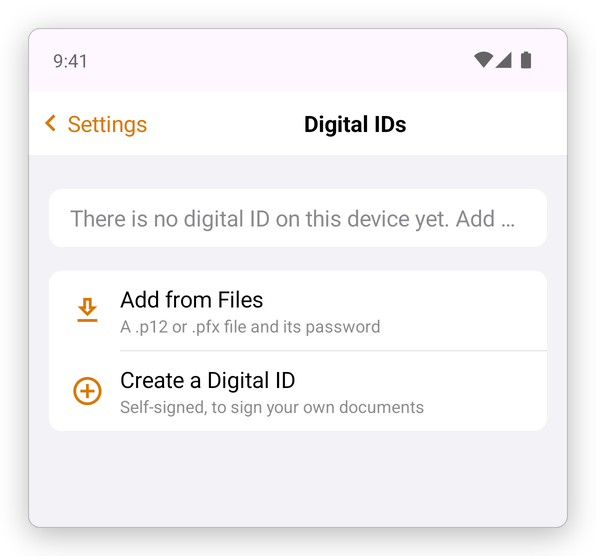
- Add from Files: a digital ID you have as a .p12 or .pfx file, from your company, a certificate provider or a government. Choose the file, and type its password.
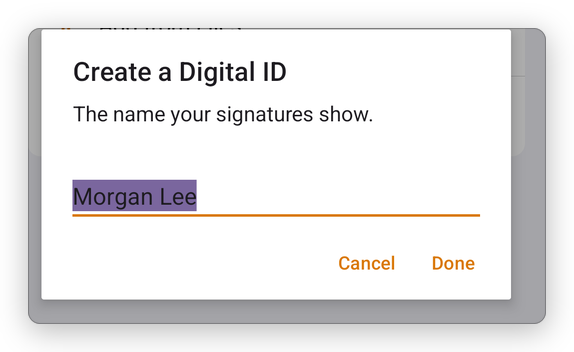
- Create a Digital ID: a self-signed digital ID, to sign your own documents. Type the name your signatures show, then a password to protect the ID, twice.
The list shows each digital ID, who issued it and until when it is valid. Tap one, then Remove, to take it off the device. The digital IDs are kept on this device only, protected by Android's keystore.
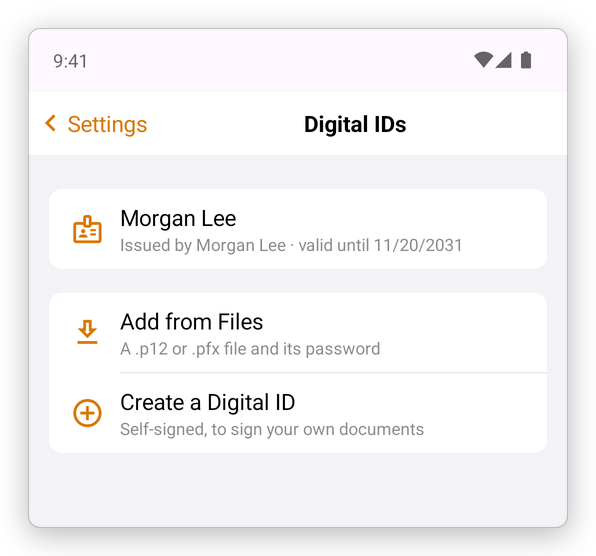
A self-signed ID says who you are, but nobody vouches for it: others see that the signature is valid, but that the signer cannot be verified, until they trust your certificate. For signatures that others trust at once, use a digital ID from a certificate provider.
Sign with a digital ID
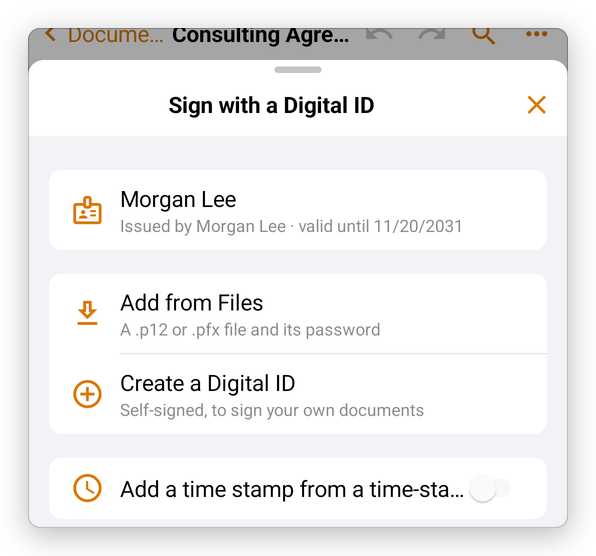
- Open the document, and tap Fill & Sign, then Sign with ID.
- Choose the digital ID. Turn on Add a time stamp from a time-stamp server to have a server's clock say when you signed, rather than your phone's.
- Type the ID's password, and tap Done. The app remembers it until it closes.
- Tap the page where the signature goes, or tap the form's signature field.
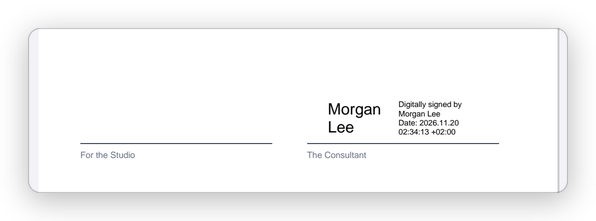
The signature shows the name, the date and the time, and the document is saved signed.
Signing should be the last change: any change after it shows as made after signing. To sign a document that others will sign too, each one signs in turn; each signature covers what was there when it was made.
Check the signatures of a document
When a signed document opens, a note under the top bar says who signed it and whether the signature holds, with a green, orange or red sign. After a few seconds only the sign stays.
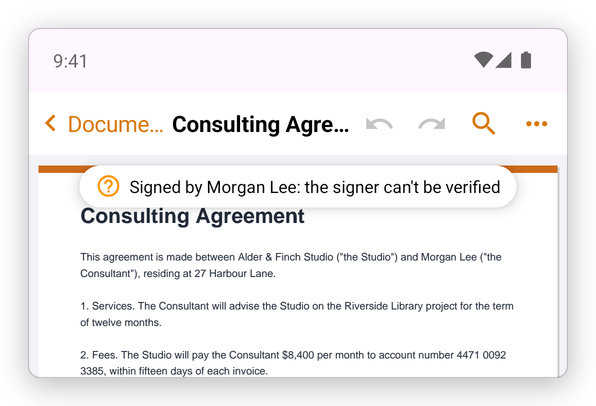
Tap it, or tap More, then Protect & Redact, then Signatures, for the details of each signature: whether it is valid, whether it covers the whole document or the document changed after it, whether the signer's identity can be verified, and when it was signed.
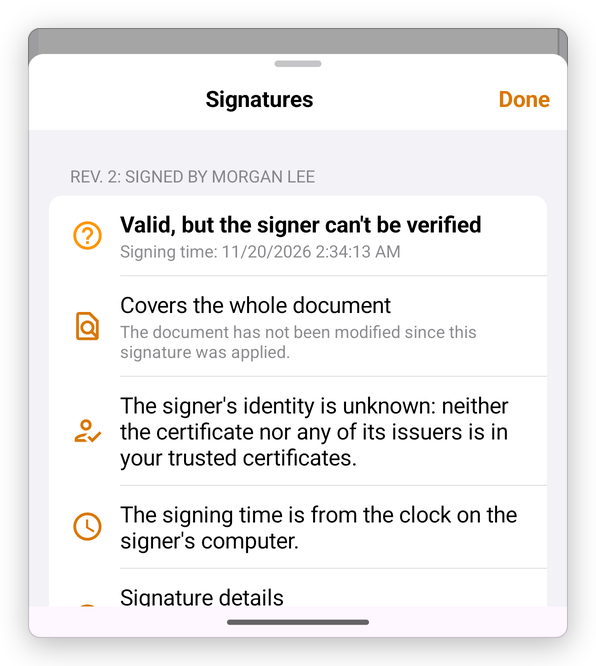
Which signers the app trusts is set in Settings, under Trusted certificates.