Layers
Show and hide the layers of a PDF, such as the furniture, dimensions and notes of a floor plan.
Some PDFs have layers: parts of the pages that can be shown or hidden, such as the furniture, the dimensions and the notes of a plan, or the languages of a leaflet.
- Tap More, then Display, then Layers.
- Turn a layer's switch off to hide it, and on to show it again.
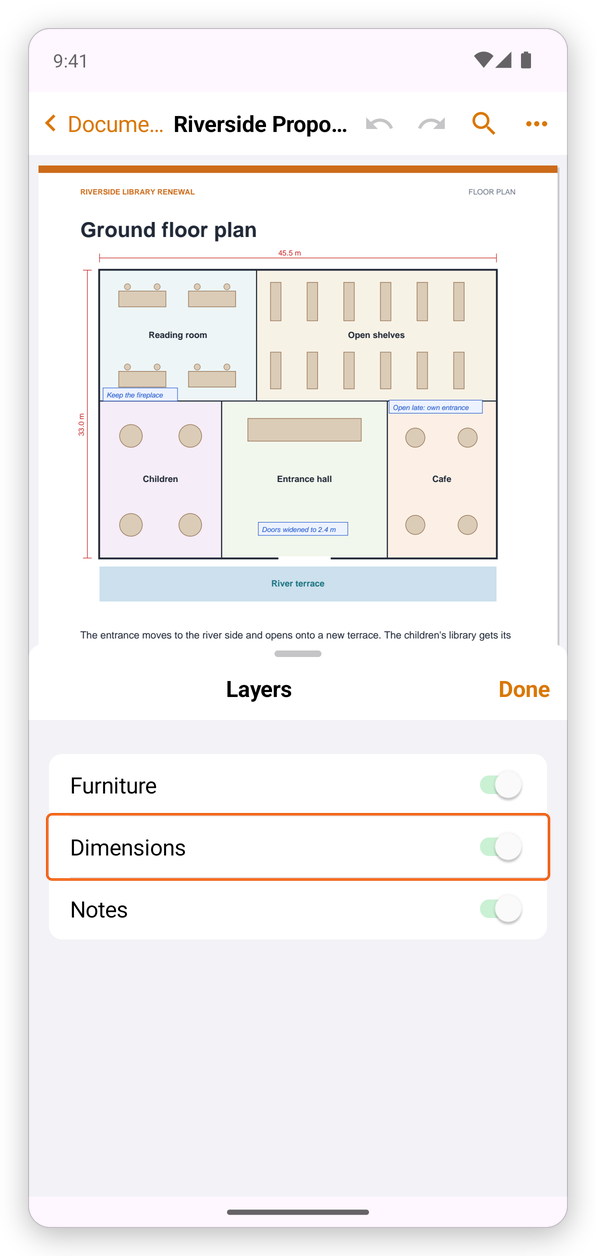
The sheet covers only half of the screen, so you see the change on the page at once. Tap Done to close it. Layers inside another one are indented under it. A locked layer's switch cannot be turned.
Showing and hiding a layer can be undone with Undo, and the document keeps it: it opens with the layers as you left them.