Reduce file size
Make a PDF smaller, to send it by email or keep it on your phone, with its pictures compressed and what it does not need removed.
Large PDFs, such as scans and documents full of photos, are slow to send and may be too big for an email. Reducing the size compresses the pictures, keeps only the parts of the fonts the document uses, and removes what it does not need. The pages look the same.
From an open document
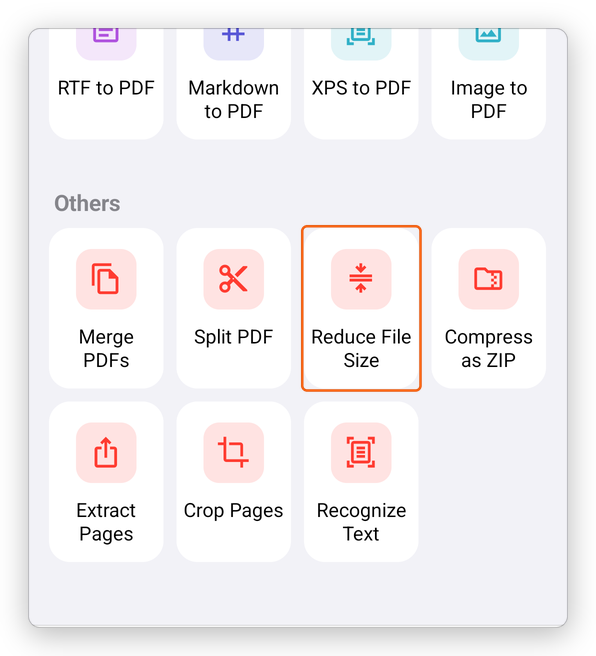
- Tap More, then Tools, then Reduce File Size.
- A ring shows how far it is; Cancel stops it.
The app says how much smaller the document became, for example Reduced from 4.2 MB to 1.1 MB. Undo takes it back while the document is open. If the document cannot be made smaller, the app says This document is already as small as it can be made.
From the Tools tab
Tap Tools at the bottom, then Reduce File Size, under Others, and choose the document. A smaller copy is added next to it, named for example Riverside Proposal (smaller). The original does not change.
A signed document is not reduced: changing it would make its signatures invalid. The app says so.
Reducing the size is free.